Campaigns
Create powerful marketing campaigns with visual flow builders, audience segmentation, and A/B testing to optimize conversions.
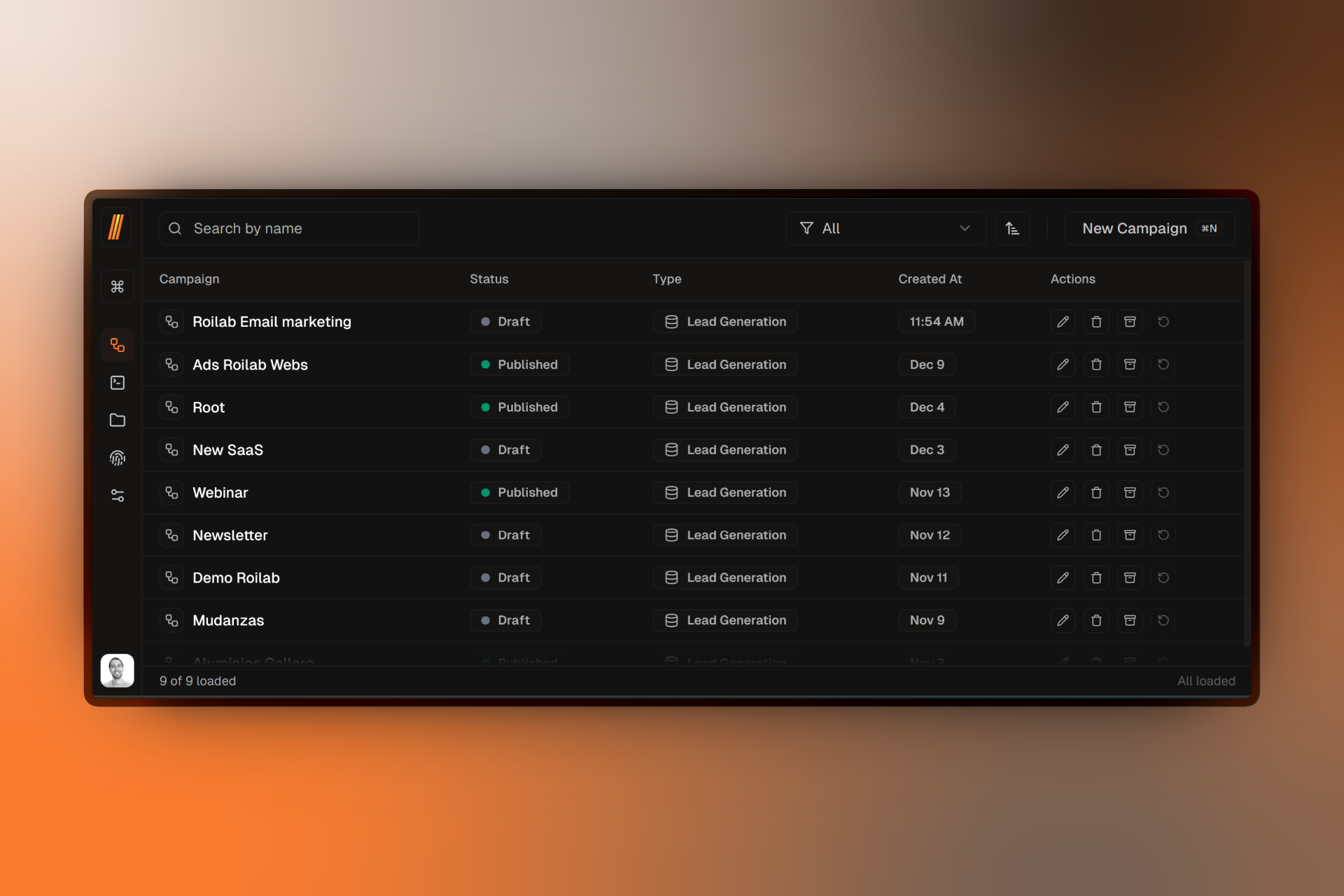
Campaigns are the heart of your marketing automation in Firebuzz. Each campaign lets you create targeted landing page experiences with built-in A/B testing, audience segmentation, and analytics tracking.
Visual Flow Builder
Design campaign flows visually with drag-and-drop nodes for segments, A/B tests, and variants.
Audience Segmentation
Target specific audiences based on location, device, browser, UTM parameters, and 17 targeting rules.
A/B Testing
Run experiments with up to 5 variants per test and automatic traffic distribution.
Real-Time Analytics
Track conversions, visitor behavior, and test performance with live analytics dashboards.
Campaign Lifecycle
Every campaign follows a simple lifecycle from creation to completion:
- Draft — Build and configure your campaign flow
- Preview — Test your campaign before going live
- Scheduled — Optionally schedule for future publishing
- Published — Your campaign is live and collecting data
- Completed — Mark finished campaigns for historical tracking
Getting Started
Create Your First Campaign
Step-by-step guide to creating and launching your first campaign.
Understand the Flow Builder
Learn how to use the visual canvas to design campaign flows.
Set Up A/B Tests
Create experiments to optimize your landing page performance.
Target Your Audience
Define targeting rules to show different experiences to different visitors.
FAQ
Related Resources
- Projects Overview — Learn how campaigns fit within projects
- Landing Pages — Create the pages that power your campaign variants
- Analytics — Deep dive into campaign performance tracking