Project Limits
Understand project limits and quotas based on your subscription plan.
The number of projects you can create in a workspace is determined by your subscription plan. Understanding your limits helps you plan and organize your work effectively.
Checking Your Project Usage
You can check your current project usage at any time:
- Go to Settings.
- Select the Workspace tab.
- Click the Projects section.
Your usage is displayed as a counter next to the section header (e.g., Projects (3/5)), showing used projects versus your total limit.
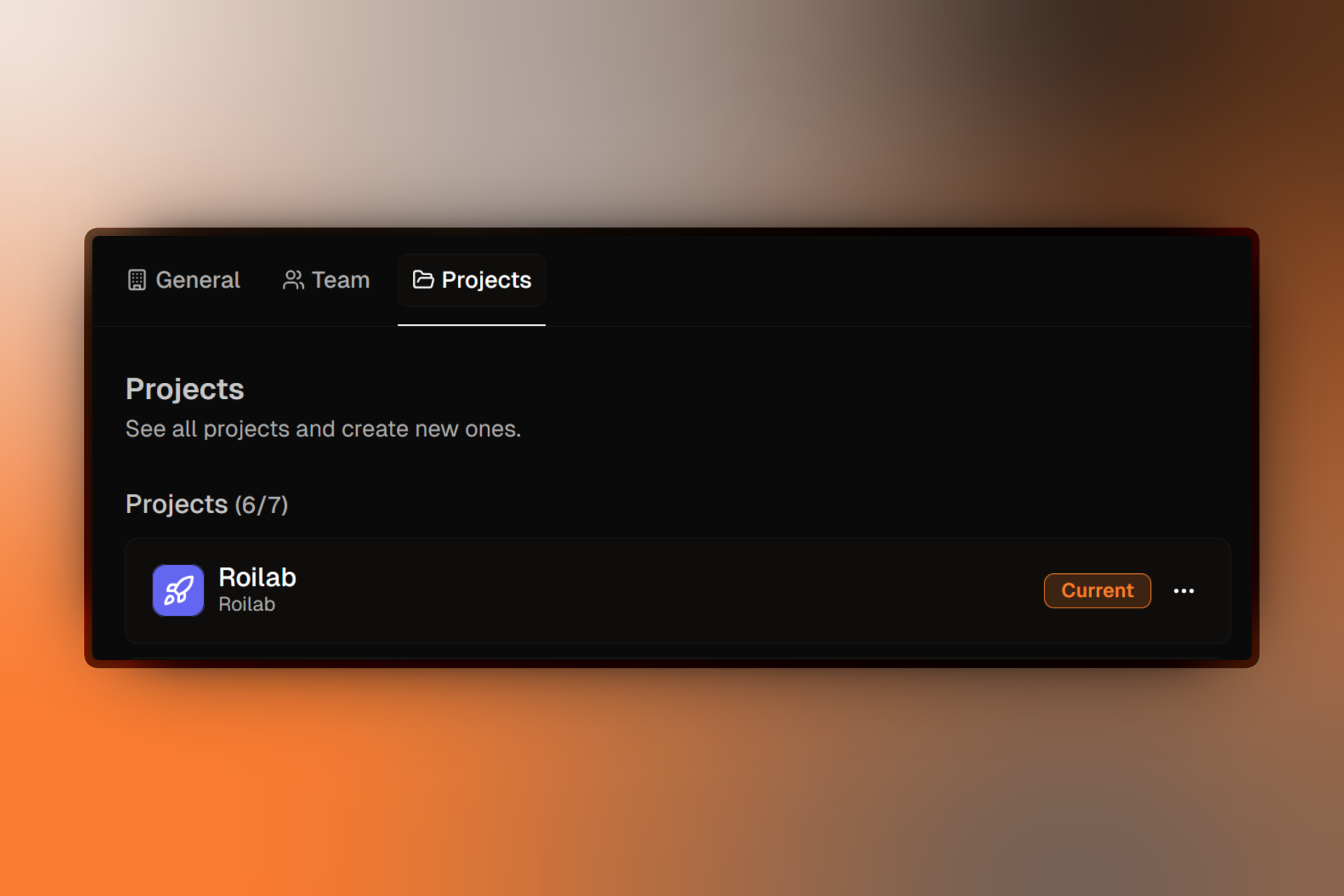
This limit applies to the total number of active projects in the workspace.
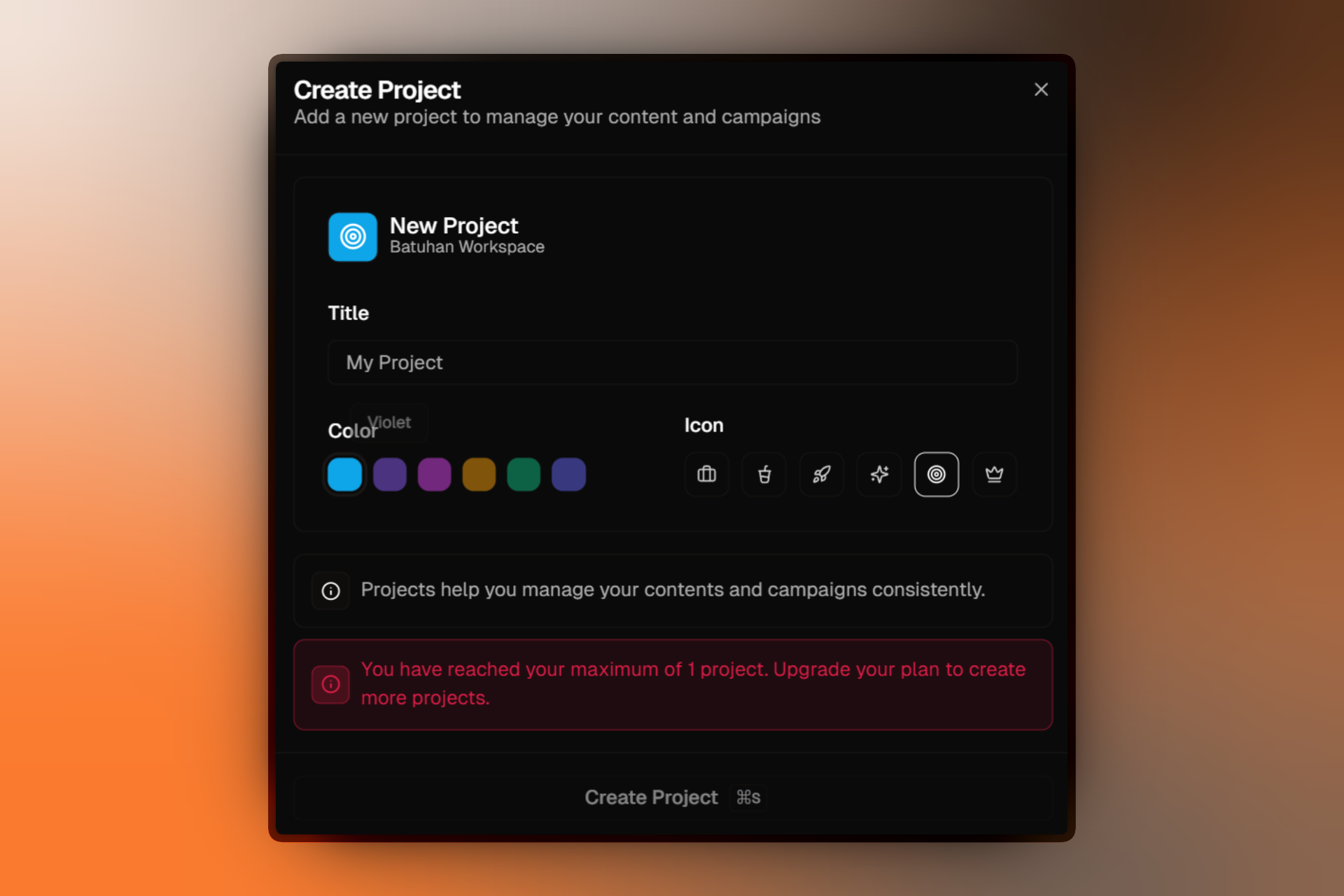
When You Reach the Limit
When you reach your project limit:
- You cannot create new projects
- A warning message appears in the create project dialog
- Your existing projects continue to function normally
- All your campaigns and landing pages remain accessible (campaigns are unlimited on all plans)
Increasing Your Project Limit
You have two options to create more projects:
Delete Unused Projects
Free up slots by deleting projects you no longer need. Slots become available immediately after deletion.
Upgrade Your Plan
Switch to a higher tier plan to increase your project allowance automatically.
Before upgrading, review your existing projects. You may have old or test projects that can be safely deleted to free up space.