Firebuzz Documentation
Comprehensive guides and documentation to help you create, manage, and optimize your marketing campaigns and landing pages with Firebuzz.
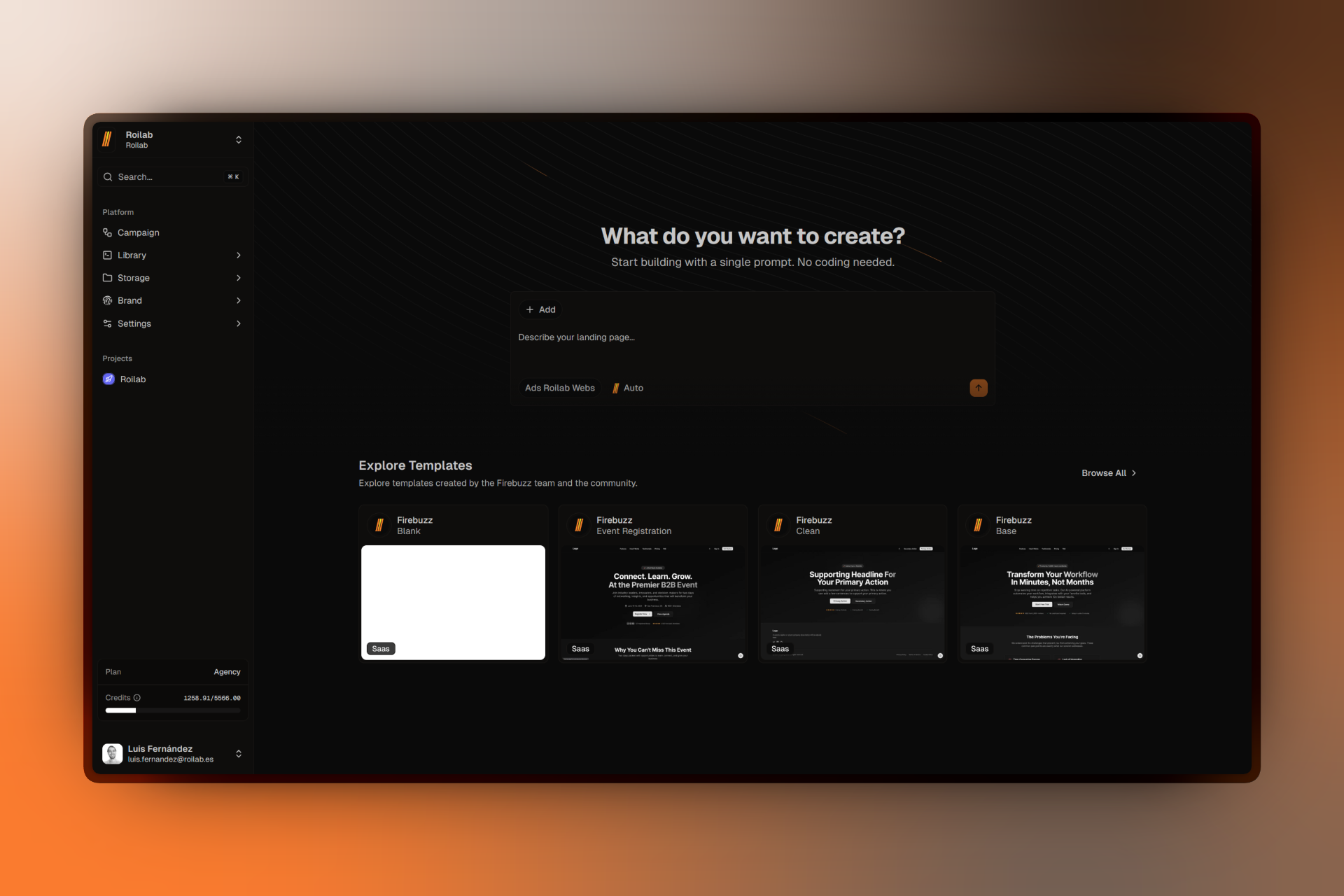
Firebuzz is an AI-powered platform for creating high-converting landing pages and marketing campaigns. Build beautiful, responsive landing pages, run A/B tests, collect leads with custom forms, and analyze your results—all in one place.
Quick Links
Quickstart
Create and publish your first campaign in under 5 minutes.
Core Concepts
Understand workspaces, projects, campaigns, variants, and segments.
Campaigns
Learn how to create and manage marketing campaigns with visual flow builders.
Landing Pages
Build stunning landing pages with our visual page builder and pre-built templates.
Analytics
Track visitor behavior, monitor conversions, and understand your audience.
Forms & Lead Generation
Build custom forms to capture leads and gather valuable customer data.
How It Works
Firebuzz combines AI-powered tools with visual builders to simplify your marketing workflow:
Build & Design
Create campaigns and landing pages visually—no code required. Use our drag-and-drop builder or let AI generate complete pages from your description. Organize work in workspaces and projects, choose from pre-built templates, and maintain brand consistency across all your marketing materials.
Test & Optimize
Run A/B tests with multiple variants and audience segments. Split traffic intelligently, track performance in real-time, and identify winning variants automatically. Capture leads with custom forms and route data to your CRM or marketing tools through webhooks and integrations.
Track & Analyze
Monitor visitor behavior, conversion rates, and engagement with comprehensive analytics dashboards. Integrate seamlessly with Google Analytics, Meta Pixel, Zapier, Stripe, and more. Export data, trigger automations, and make data-driven decisions to optimize your campaigns.
Popular Topics
- Creating Your First Campaign
- Building Landing Pages
- Setting Up Custom Domains
- Understanding Analytics
- Using AI Features
- Managing Team Members
Need Help?
Can't find what you're looking for? Check out these resources:
- Troubleshooting - Solutions to common issues
FAQ
Ready to get started? Head to the Quickstart guide to create your first campaign in 5 minutes.